The XMP edit stack
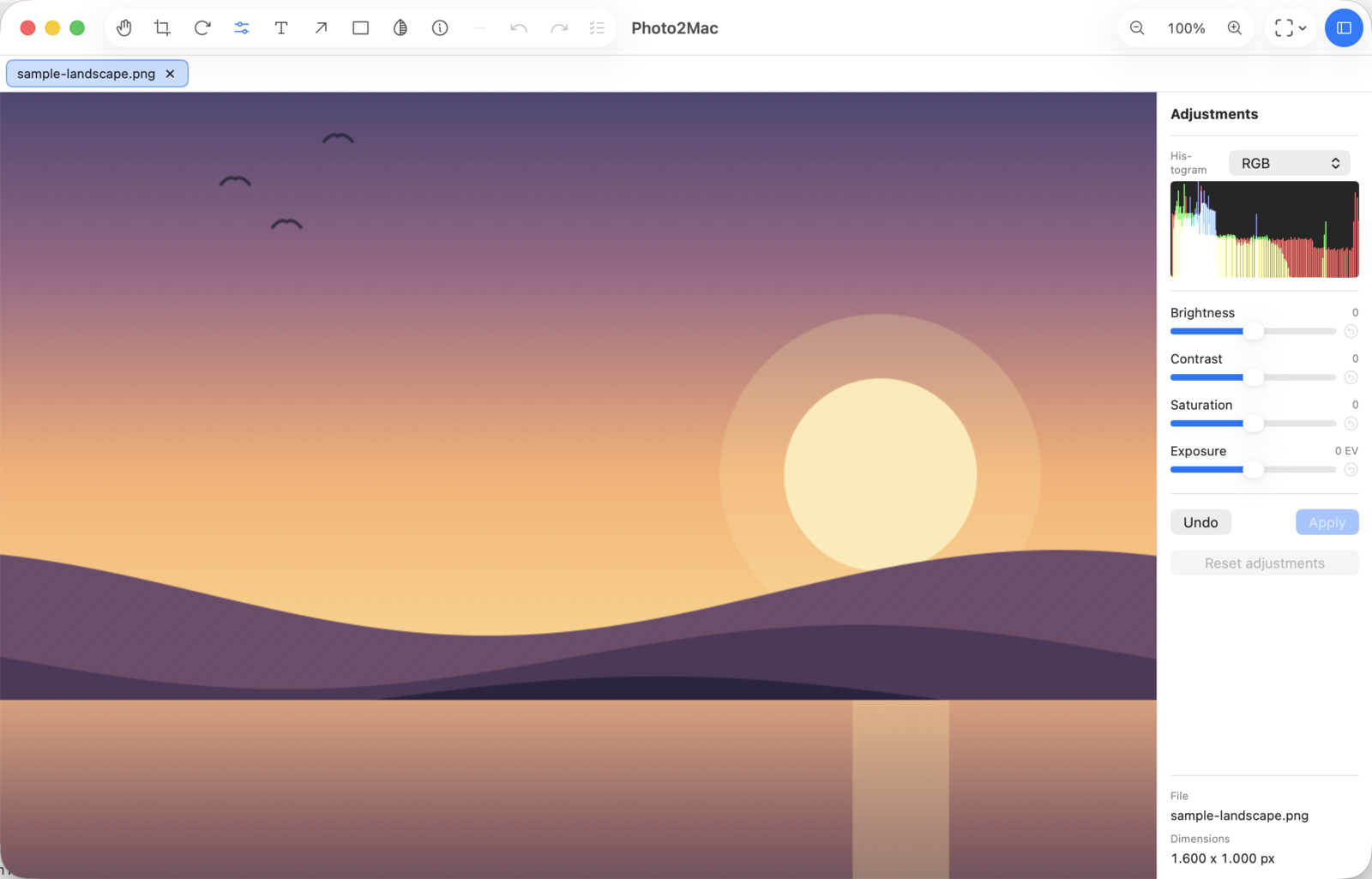
Photo2Mac is non-destructive: every adjustment lives on an
EditStack rendered live by Core Image. When you Save,
Photo2Mac writes the rendered pixels and embeds the
EditStack as XMP metadata inside the image. Re-opening that file in
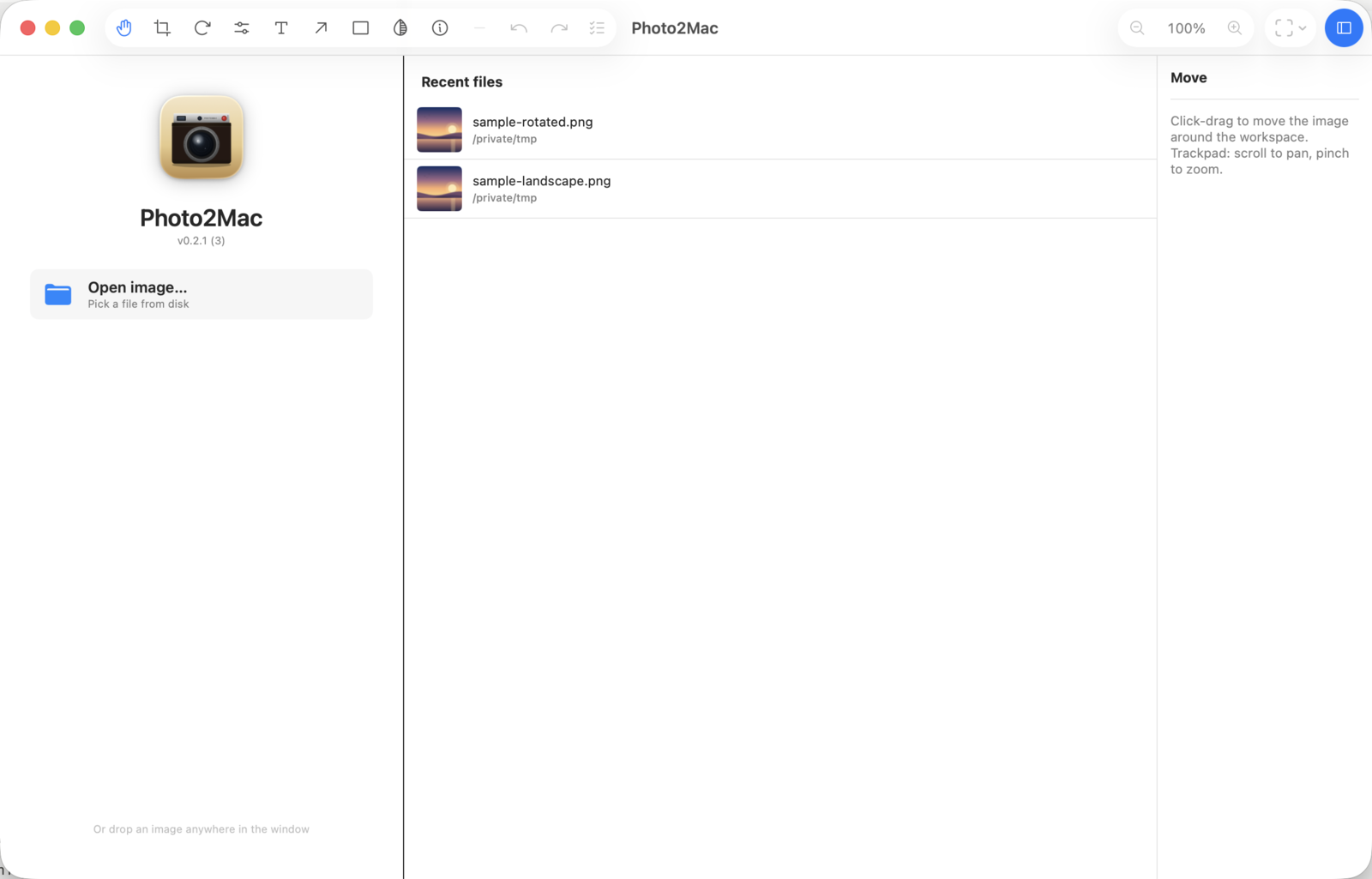
Photo2Mac restores the stack so you can keep editing; other apps
just see the rendered pixels.
This is the on-disk format, so external tools can read or even
produce one.
Namespace
- URI:
http://ns.photo2mac.cremenescu.ro/1.0/
- Prefix:
p2m
- Property:
p2m:editStack (a UTF-8 JSON string)
The same property is written into JPEG (APP1), PNG (iTXt
XML:com.adobe.xmp), HEIC (meta box) and TIFF (tag 700)
via Apple's ImageIO.
EditStack JSON
{
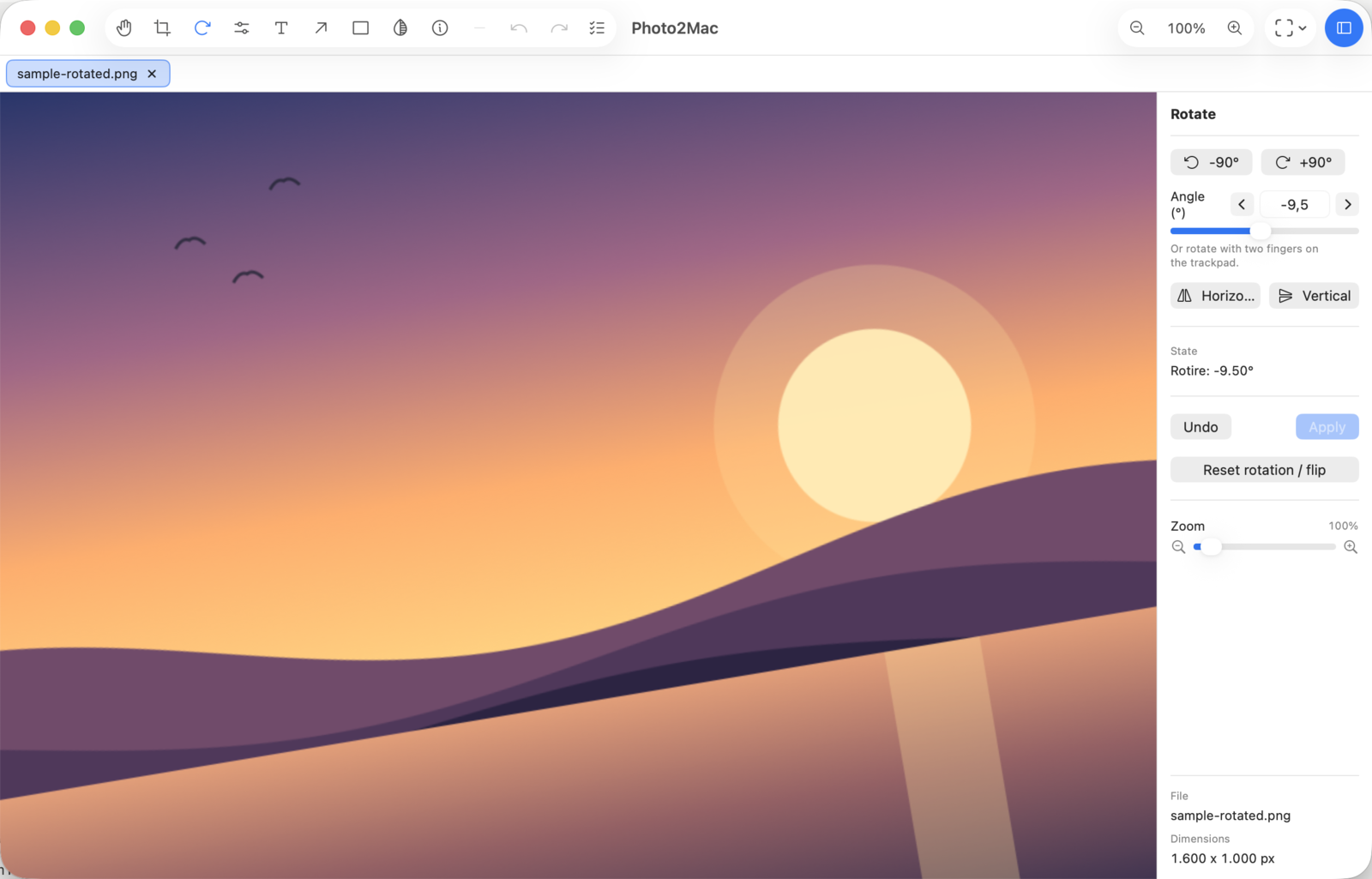
  "rotateDegrees": 0,        // clockwise, supports 0.01° increments
  "flipHorizontal": false,
  "flipVertical": false,
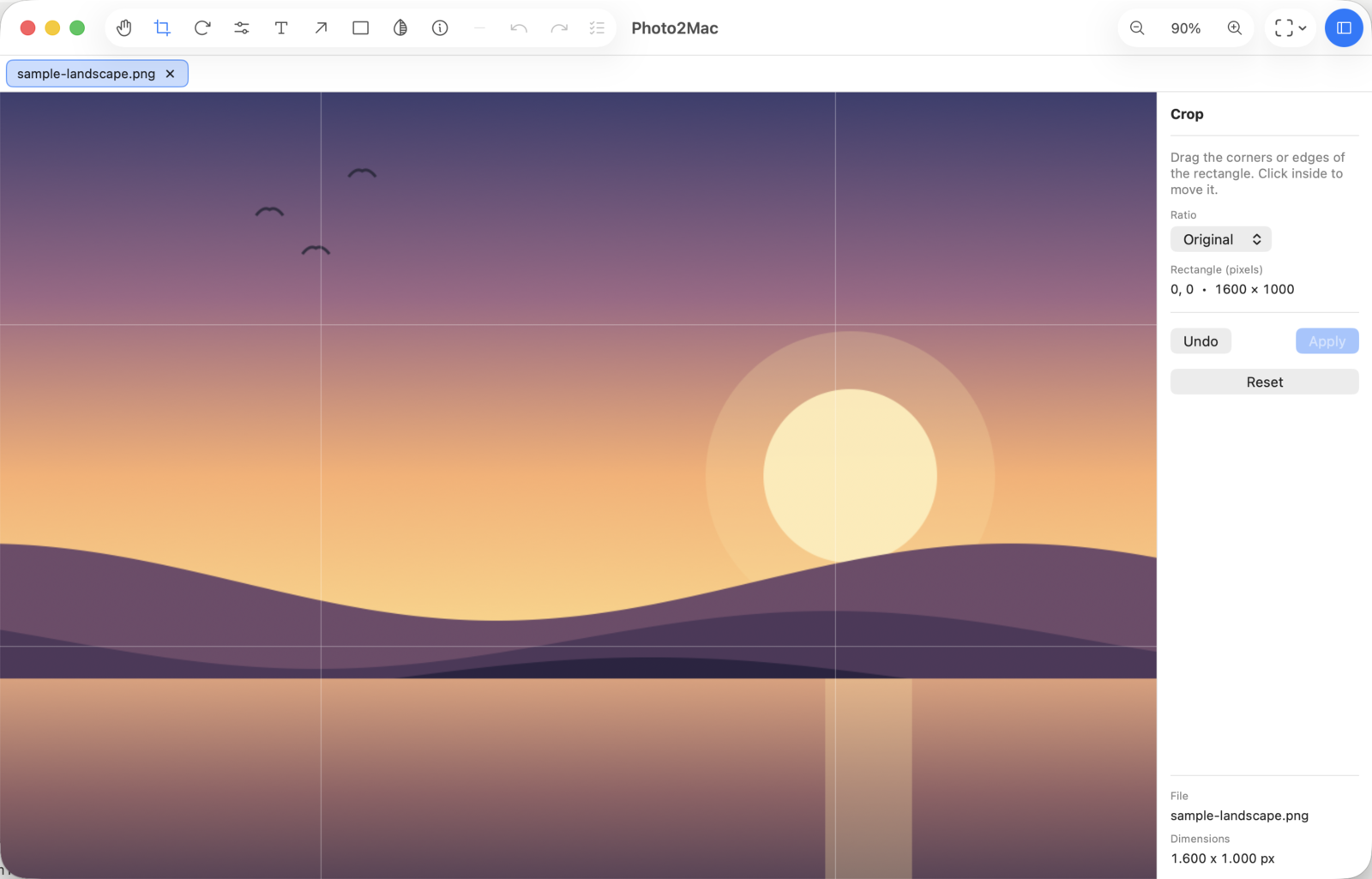
  "crop": null,              // or { x, y, width, height } normalized 0..1
  "adjustments": {
    "brightness": 0.0,       // -1 .. 1   -> CI -0.5 .. 0.5
    "contrast":   0.0,       // -1 .. 1   -> CI  0.5 .. 1.5
    "saturation": 0.0,       // -1 .. 1   -> CI  0.0 .. 2.0
    "exposure":   0.0        // -3 .. 3 EV stops (CIExposureAdjust)
  }
}
Render order is fixed and applied in this sequence:
flipH → flipV → rotate → crop → adjustments —
geometry first (so crop always operates on the rotated
frame the user actually sees), pixel adjustments last.
Also written: standard tags
So that any XMP viewer — Preview's Inspector, Metapho,
Adobe Bridge, exiftool, mdls, macOS Get Info
— can see what happened to the file, three well-known tags are
written alongside p2m:editStack:
xmp:CreatorTool — e.g. Photo2Mac 0.1.0tiff:ImageDescription — one-line English summary of the stackdc:description — same summary
These three values are always English regardless of
Photo2Mac's UI language — file metadata is read by tools and
people anywhere, so it stays locale-independent.
Example: rotate + crop
A 2.5° counter-clockwise straighten, then crop to the central
90%×80%:
{
  "rotateDegrees": -2.5,
  "flipHorizontal": false,
  "flipVertical": false,
  "crop": { "x": 0.05, "y": 0.10, "width": 0.90, "height": 0.80 },
  "adjustments": {
    "brightness": 0, "contrast": 0, "saturation": 0, "exposure": 0
  }
}
The matching tiff:ImageDescription:
Photo2Mac 0.1.0 — rotate -2.50°, crop 90%×80% at (5%, 10%)
Inspecting a Photo2Mac file from the command line
With exiftool:
# Every XMP field, including the p2m one
exiftool -XMP:all -G photo.jpg

# Just the edit stack JSON
exiftool -XMP-p2m:editStack -b photo.jpg | jq

# Human-readable summary
exiftool -ImageDescription -CreatorTool photo.jpg
Full reference, including the stability policy (the 1.0/
in the namespace URI is the schema version): docs/XMP.md in the repo.
Frequently asked questions
Is Photo2Mac free?
Yes. Photo2Mac is free and open source under the
GPL-2.0-or-later license. There is no paid tier, no subscription, no telemetry. The source and the .dmg download are both on GitHub.
What does «non-destructive» actually mean here?
The original pixels of your file are never touched until you press Save. Every adjustment — crop, rotate, flip, brightness, contrast, saturation, exposure — lives on an EditStack that is rendered live by Core Image. When you Save, Photo2Mac writes the rendered pixels and embeds the EditStack as XMP metadata, so re-opening the same file restores the stack and lets you keep editing.
Which formats does Photo2Mac read and write?
JPEG, PNG, HEIC and TIFF. RAW support is on the roadmap. XMP metadata is embedded in all four output formats via ImageIO.
Does it work on Apple Silicon Macs?
Yes. The .dmg is built for Apple Silicon (arm64) and requires macOS 14 Sonoma or later. The codebase is universal and builds on Intel from source as well.
Why does macOS show a Gatekeeper warning the first time I open Photo2Mac?
Because the bundle is ad-hoc signed — there is no paid Apple Developer ID yet. Clear the quarantine flag once with:
xattr -dr com.apple.quarantine /Applications/Photo2Mac.app
Then open the app normally. Notarization (which removes the warning permanently) is planned once the project has a Developer ID.
Does Photo2Mac need Homebrew or any other dependency installed?
No. The .dmg is self-contained (about 1.7 MB) and links only to Apple system frameworks (Core Image, ImageIO, AppKit, SwiftUI). Drag to Applications and run.