DiskLens
See where your storage went. A fast, native disk space analyzer for macOS — treemap, sunburst, search and duplicate detection.
On the Mac App Store · macOS 26 · $2.99 · sandboxed
What is DiskLens?
Point DiskLens at any folder — or your whole disk — and it scans in
seconds, then turns the result into clear, interactive visualizations so the
biggest space hogs are impossible to miss. It reads each folder with a single
bulk system call, which keeps even huge scans fast and easy on
the CPU.
It's built from the ground up for macOS 26 with the new
Liquid Glass interface, and it's private by design: sandboxed,
with no network access and no data collection. Nothing ever leaves your Mac.
Six ways to look
- DashboardAn at-a-glance overview of the volume, with space broken down by category and file type.
- TreemapEvery file as a sized tile, colored by file type or by a size heatmap.
- SunburstAn interactive ring chart you can drill into and export as an image.
- DetailsA sortable table of folders and files, exportable to CSV or HTML.
- SearchFind files by name across the whole scan, with regular-expression support.
- DuplicatesFind identical files by content — not just by name — so you can reclaim the space.
- Stays where you point itBy default a scan keeps to the selected volume and skips mounted network shares and external drives. One toggle includes them.
- Favorites & RecentsThe sidebar remembers the folders you scan most and lets you pin the ones you return to.
Screenshots
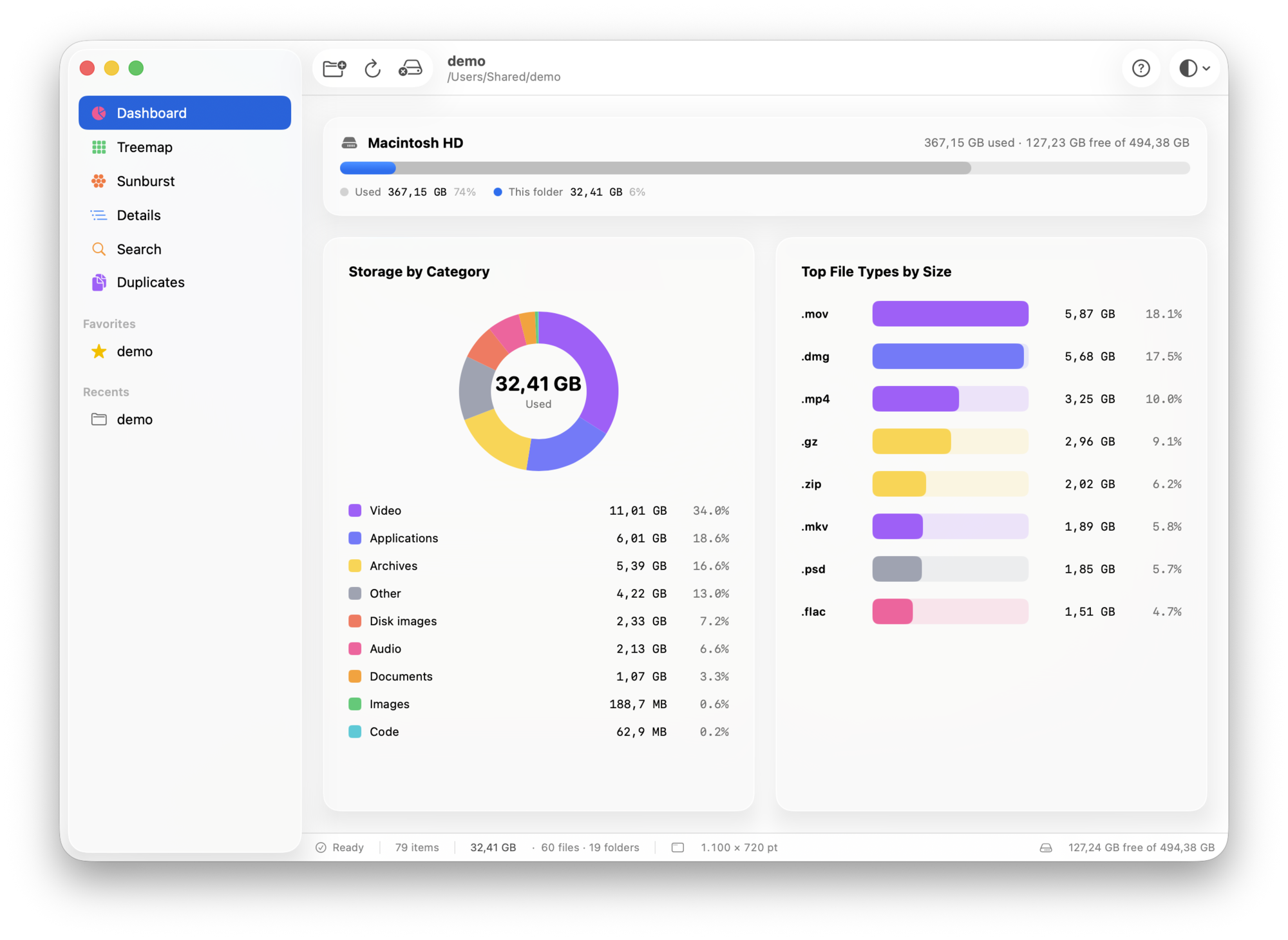
Dashboard — free space, totals and a breakdown by category and file type.
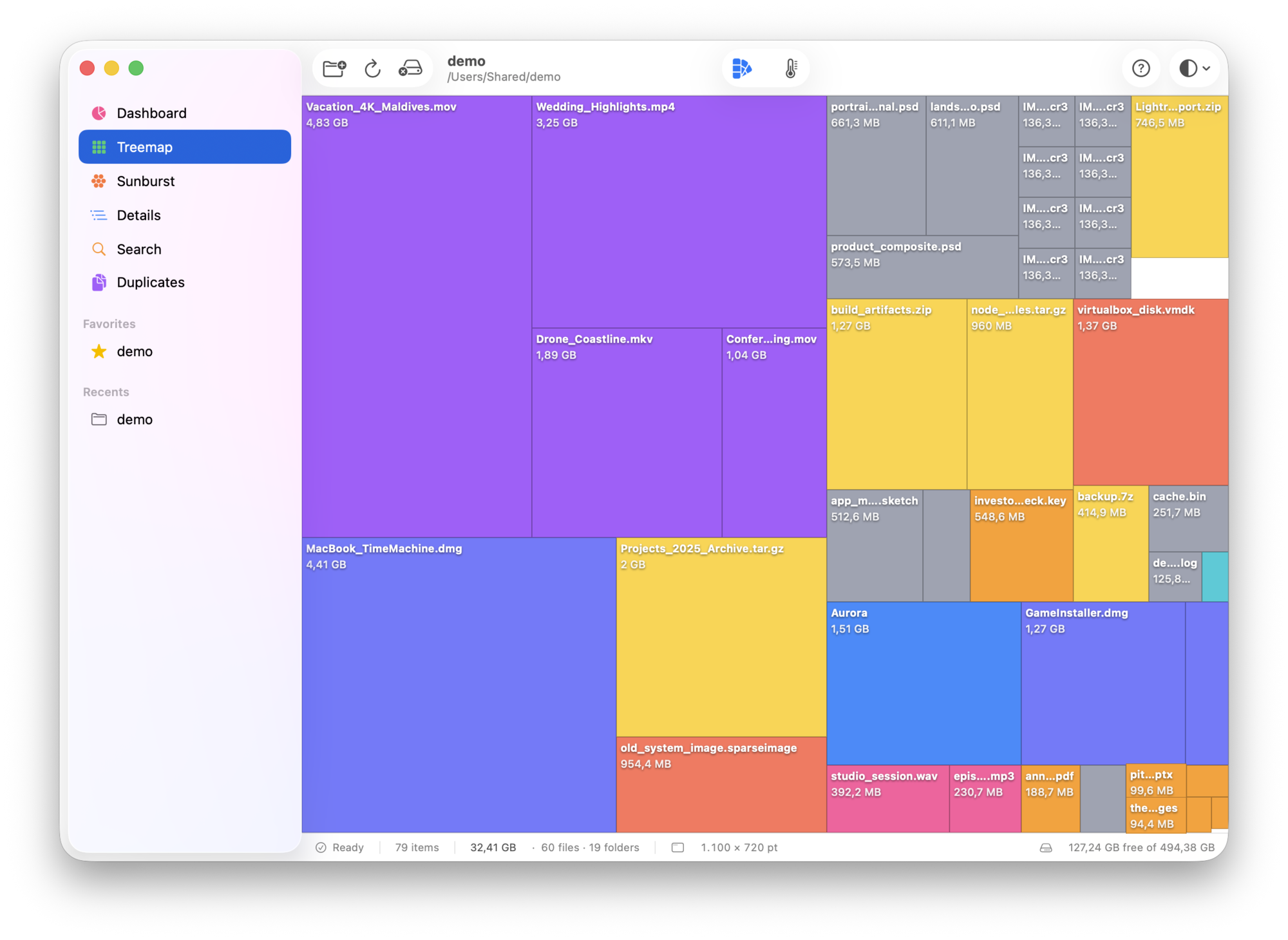
Treemap · colored by file type.
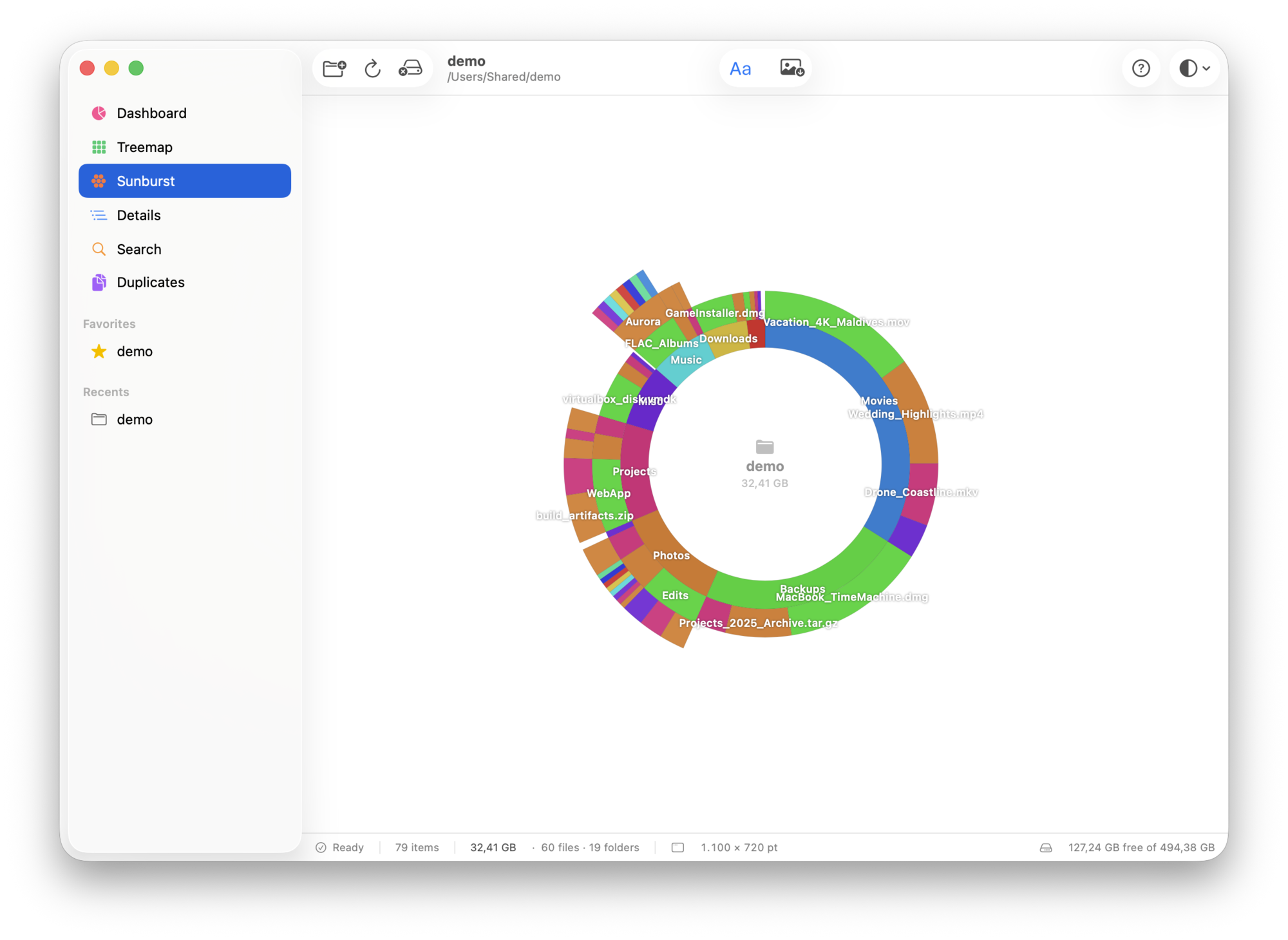
Sunburst · drill into the folder tree.
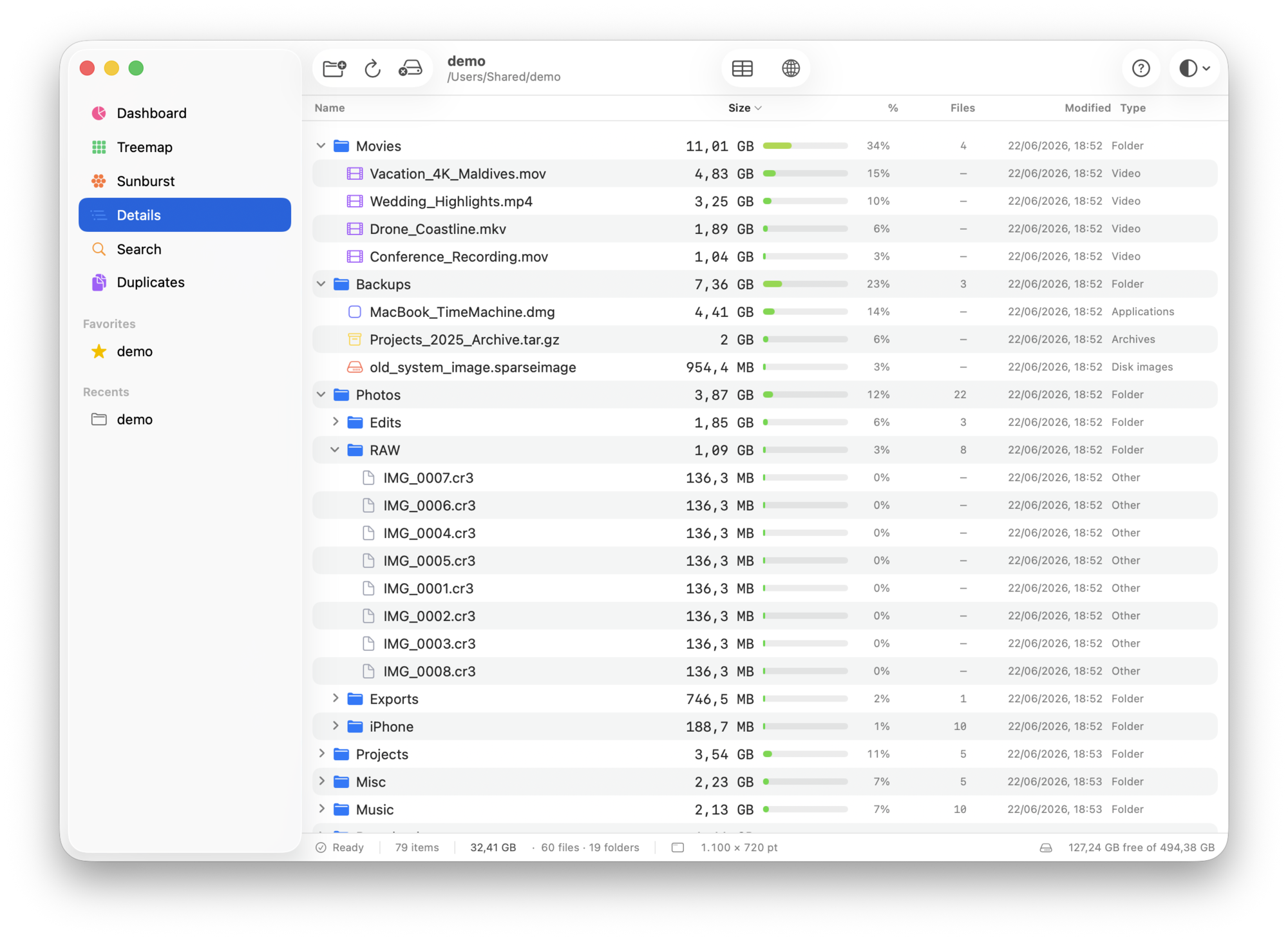
Details · sortable, exports to CSV / HTML.
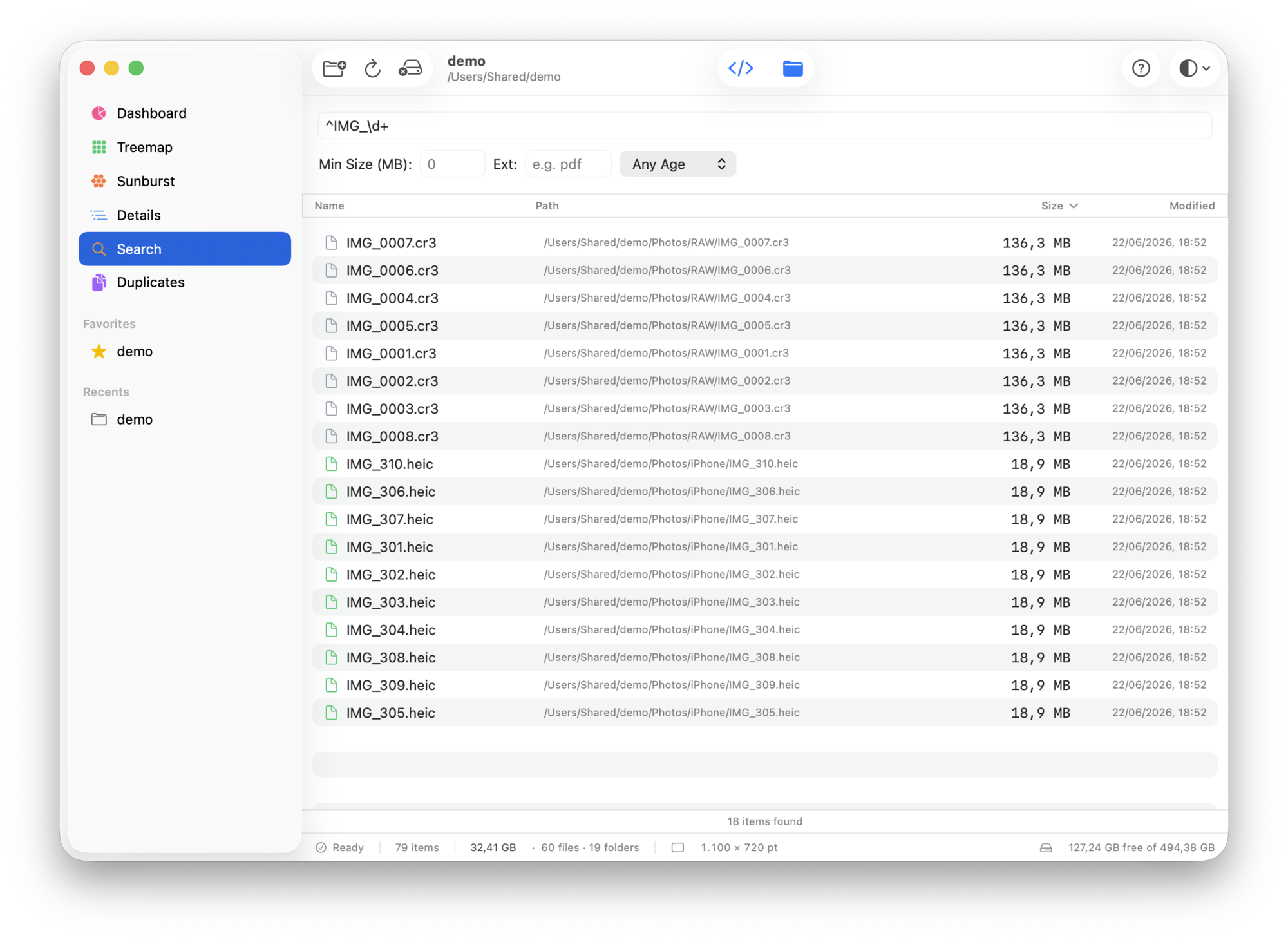
Search · with regex support.
All data is a demo folder (/Users/Shared/demo) of empty placeholder files — no real content.
Private by design
DiskLens runs in the App Sandbox and only ever reads the folders you explicitly
choose. It has no network access, collects no data, contains no
ads or trackers, and never deletes anything on its own — it shows you what
is taking space and leaves you in control.
Get DiskLens
DiskLens is a $2.99 one-time purchase on the Mac App Store,
for macOS 26 or later. There's a dedicated site with the full details:
Changelog
1.0 · first release
- Dashboard, Treemap, Sunburst, Details, Search and content-based Duplicates.
- Fast native scanning — one bulk system call per folder.
- Mounted network shares and external drives excluded by default, with a toggle.
- Favorites and Recents in the sidebar.
- Sandboxed, with no network access — nothing leaves your Mac.